Outreach
Put live web data in Outreach: the companies that filed to raise money this week, the agencies hiring their first salespeople, the clinics rated 4.5 or better in your territory. Each one arrives as an account or a prospect with its fields filled, tagged as a batch, and every value linked to the page it came from.
What you need
- A SpecStream account. Starting is free: new accounts get $10 of work, no card.
- An Outreach account that can create accounts and prospects.
- Results from a finished request. An imported file needs its matches found first.
- 1
1. Connect Outreach
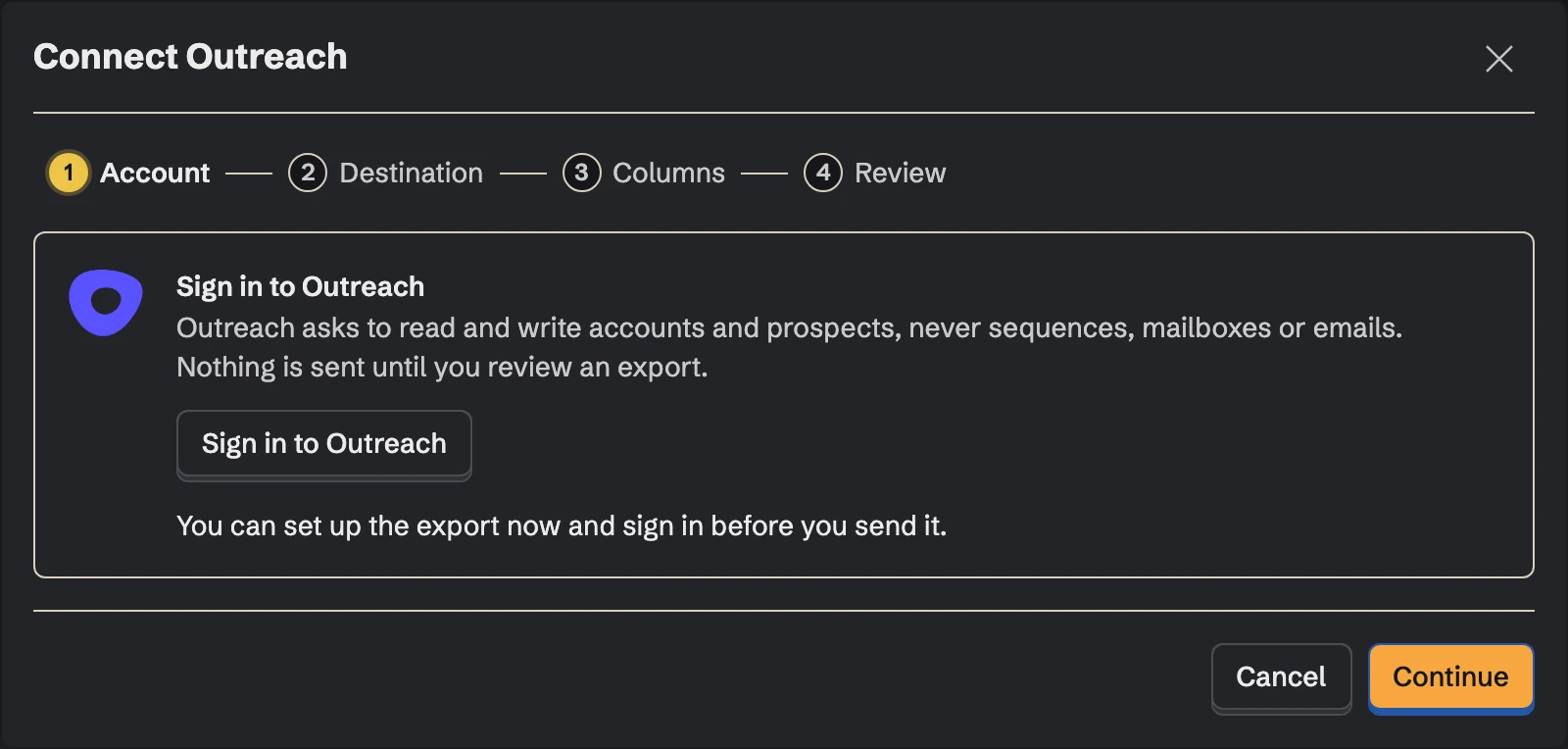
In SpecStream, open Connections, choose Outreach and click Sign in to Outreach. Outreach asks you to approve access to your accounts and prospects, on its own page, then sends you back to SpecStream.
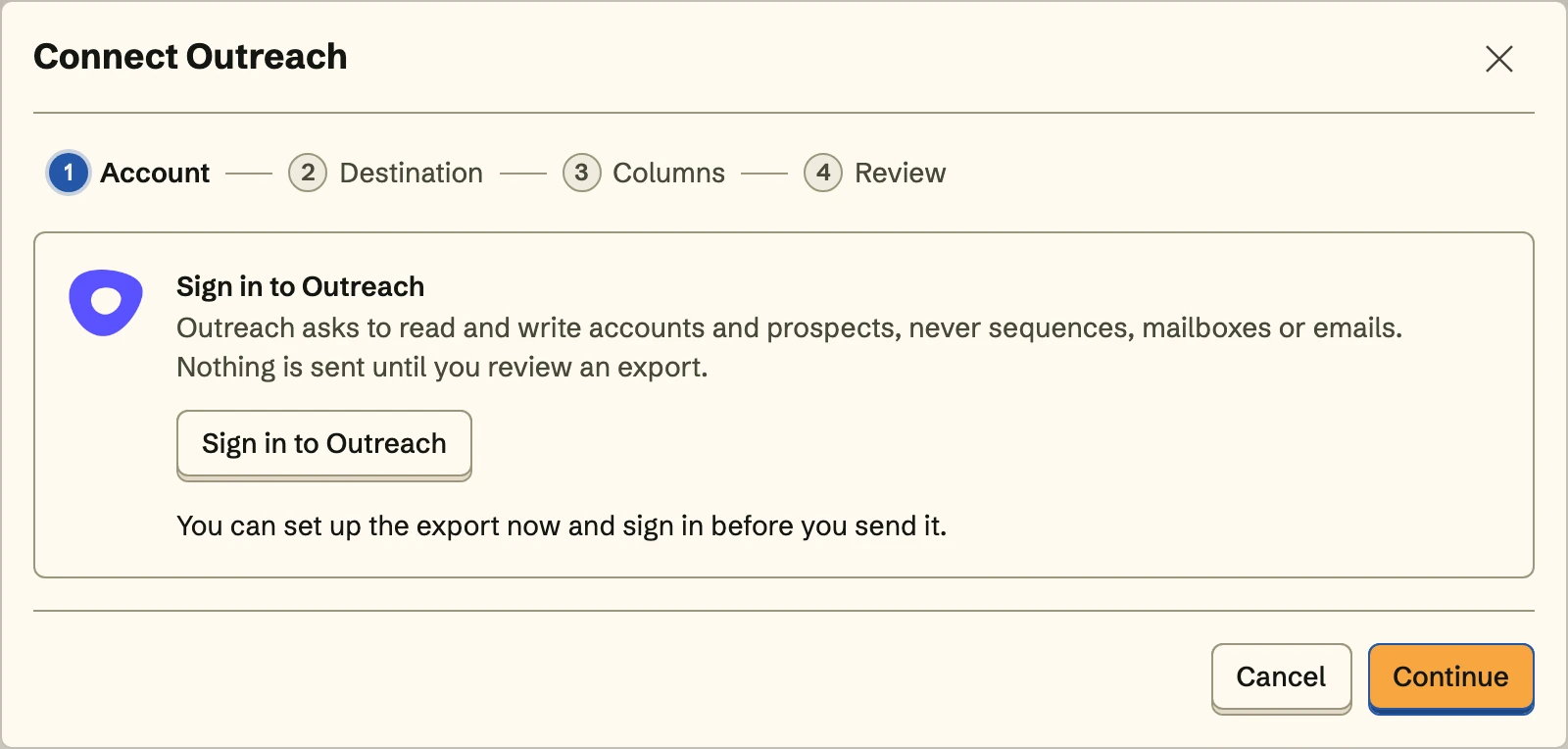 You can set up the export first and sign in before you send it.
SpecStream reads and writes accounts and prospects, and reads the names your team gave its custom fields. It never reads or writes sequences, mailboxes, emails or calls. The access is stored encrypted. For now Outreach asks you to sign in again once a week.
- 2
2. Choose where records go
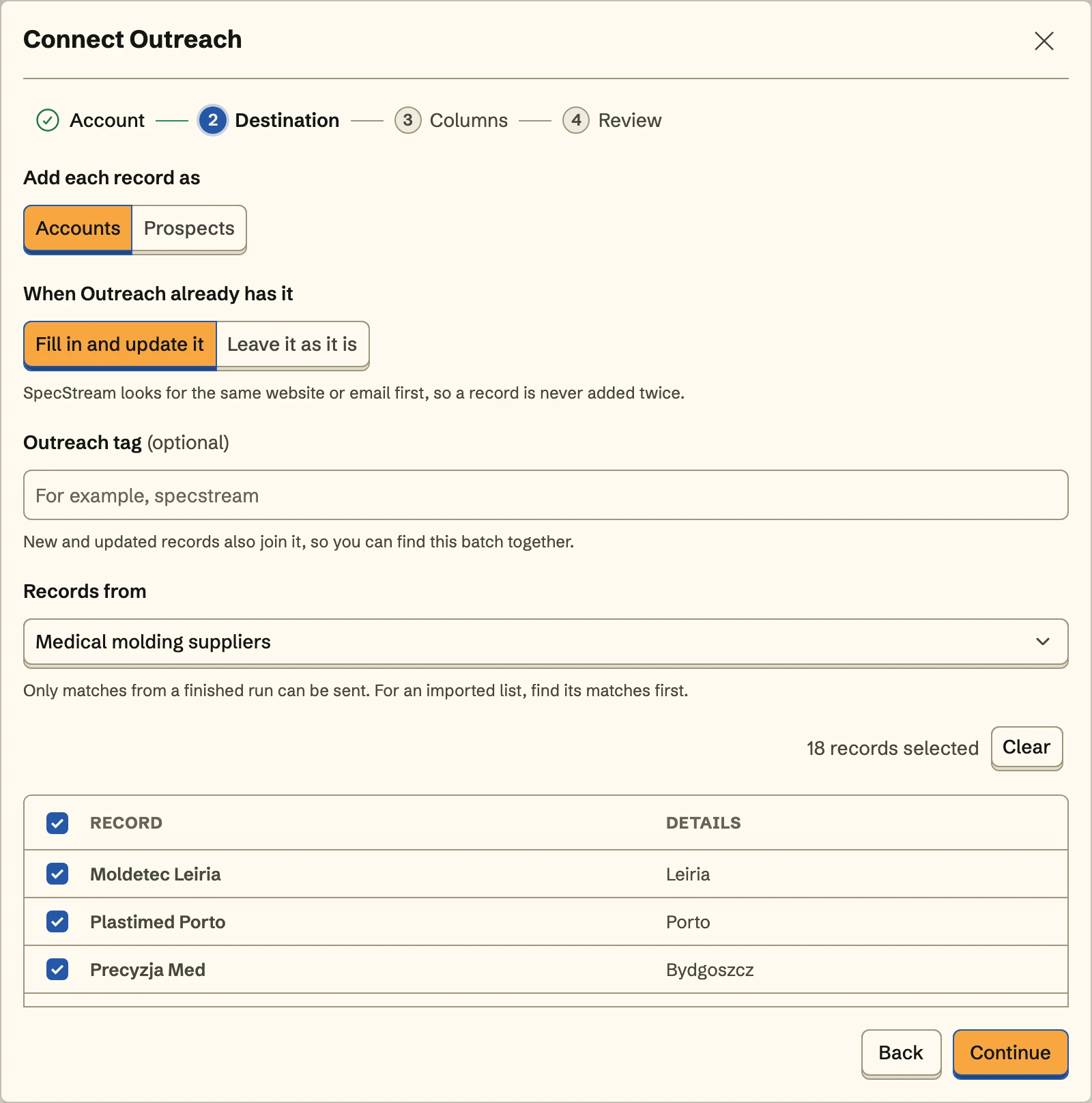
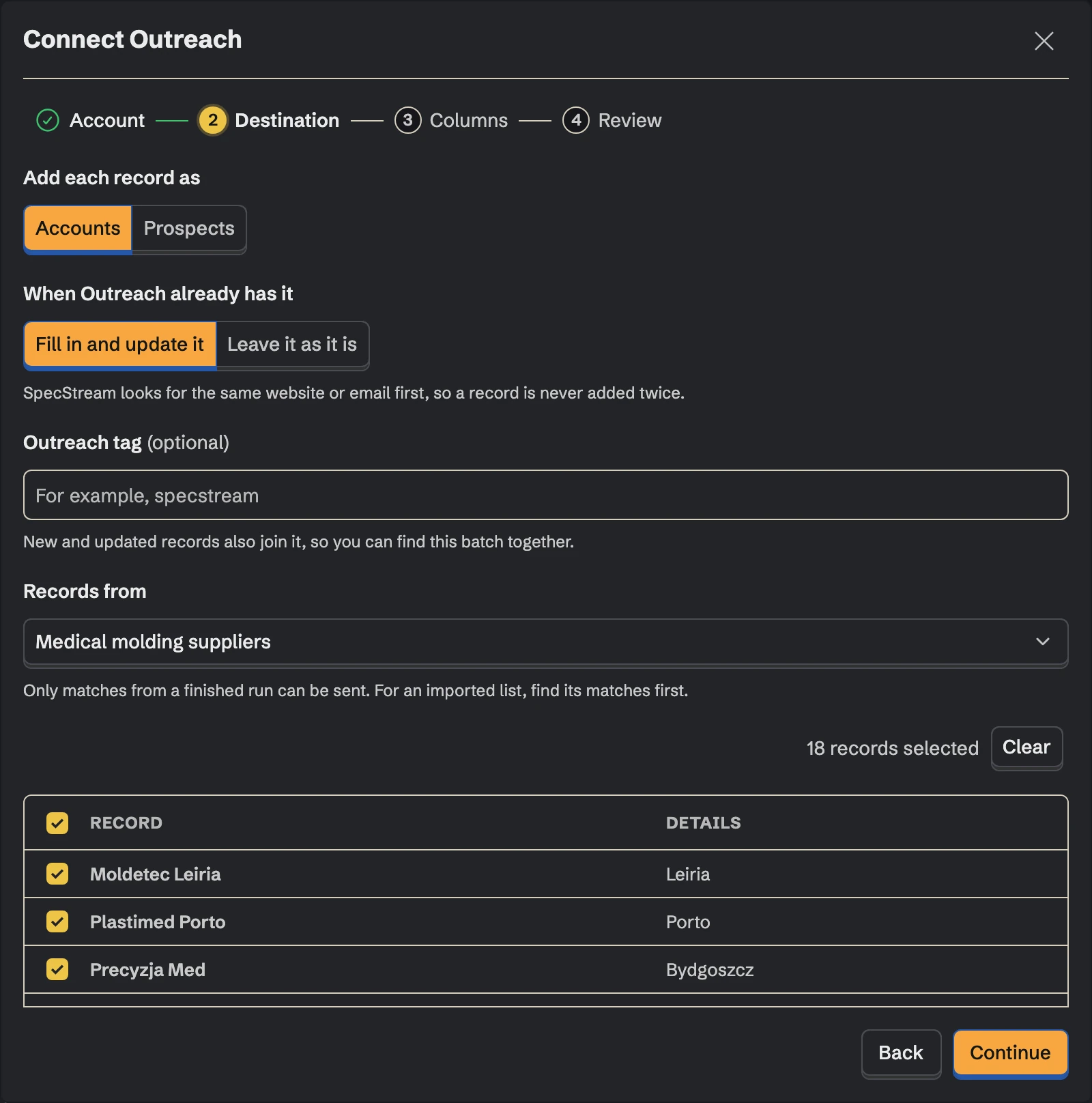
Choose what each record becomes: an account or a prospect. A record becomes a prospect only with an email it published. SpecStream never guesses one. Decide what happens when Outreach already has it: fill it in and update it, or leave it as it is. Choose the tag specstream and every record in the batch carries it, so this week's results are one filter away. Then pick the collection the records come from and select the ones to send.
- 3
3. Match the fields
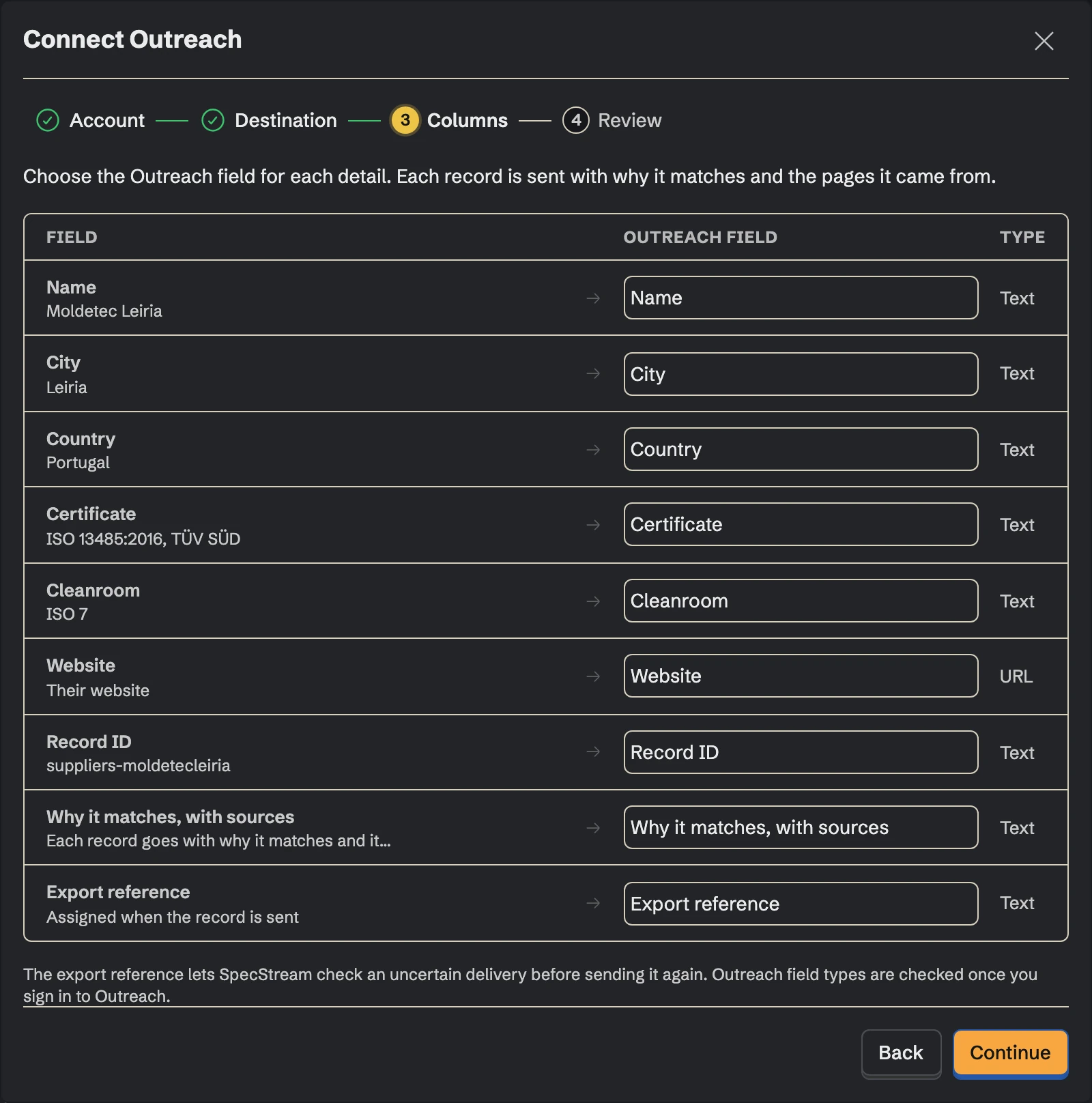
Choose the Outreach field for each detail, by the names your team gave them: the website, industry and number of employees to an account's own fields, the title and work phone to a prospect's, and headcount, a funding round or a rating to custom fields your Outreach admin named. Map Why it matches, with sources to a custom field, or to an account's description, and every reason stays in Outreach with its page. Fields you don't map aren't sent.
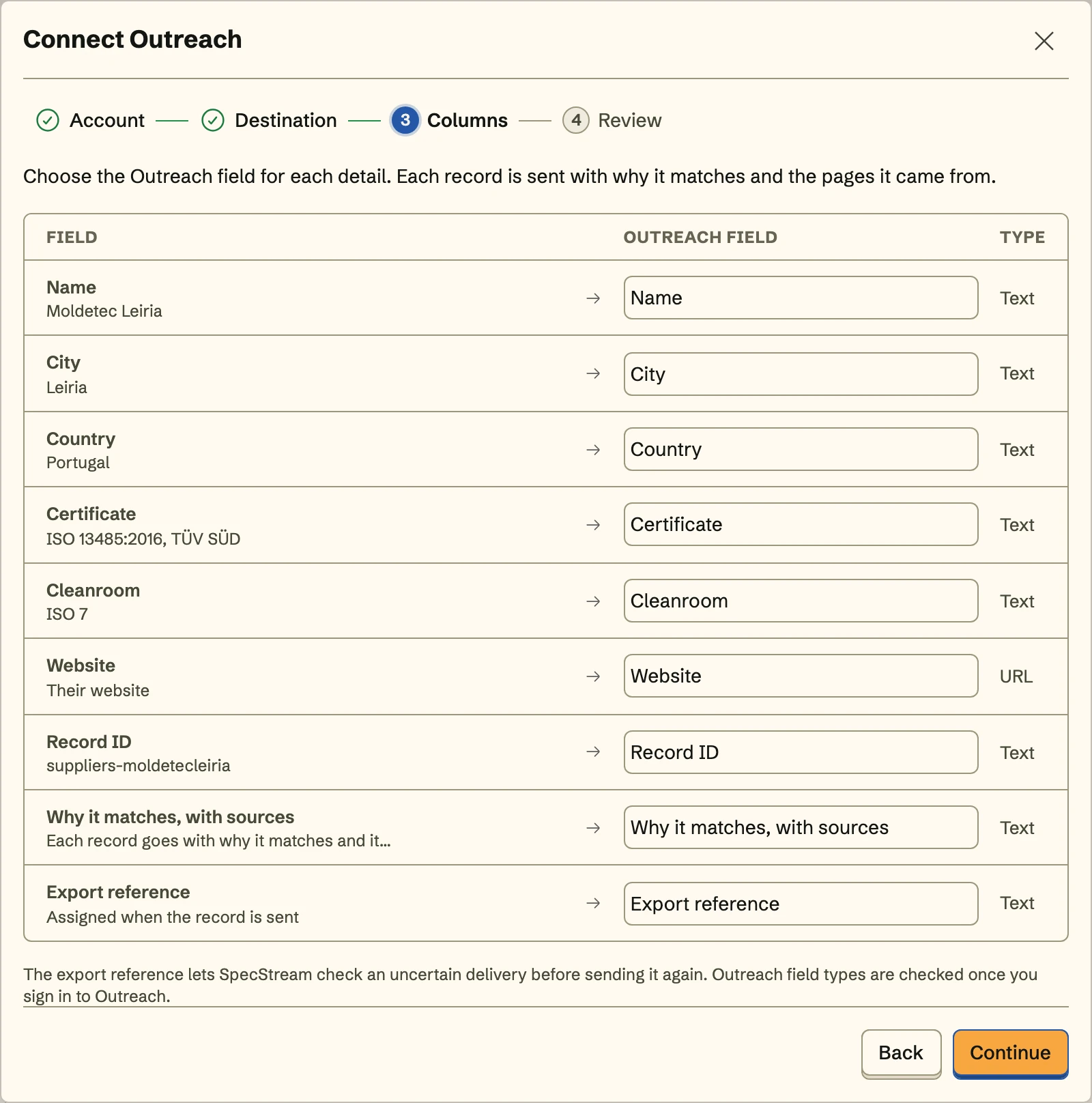
Every account needs a website or a domain, and every prospect an email it published. That's how Outreach and SpecStream know it's the same record.
- 4
4. Review and send
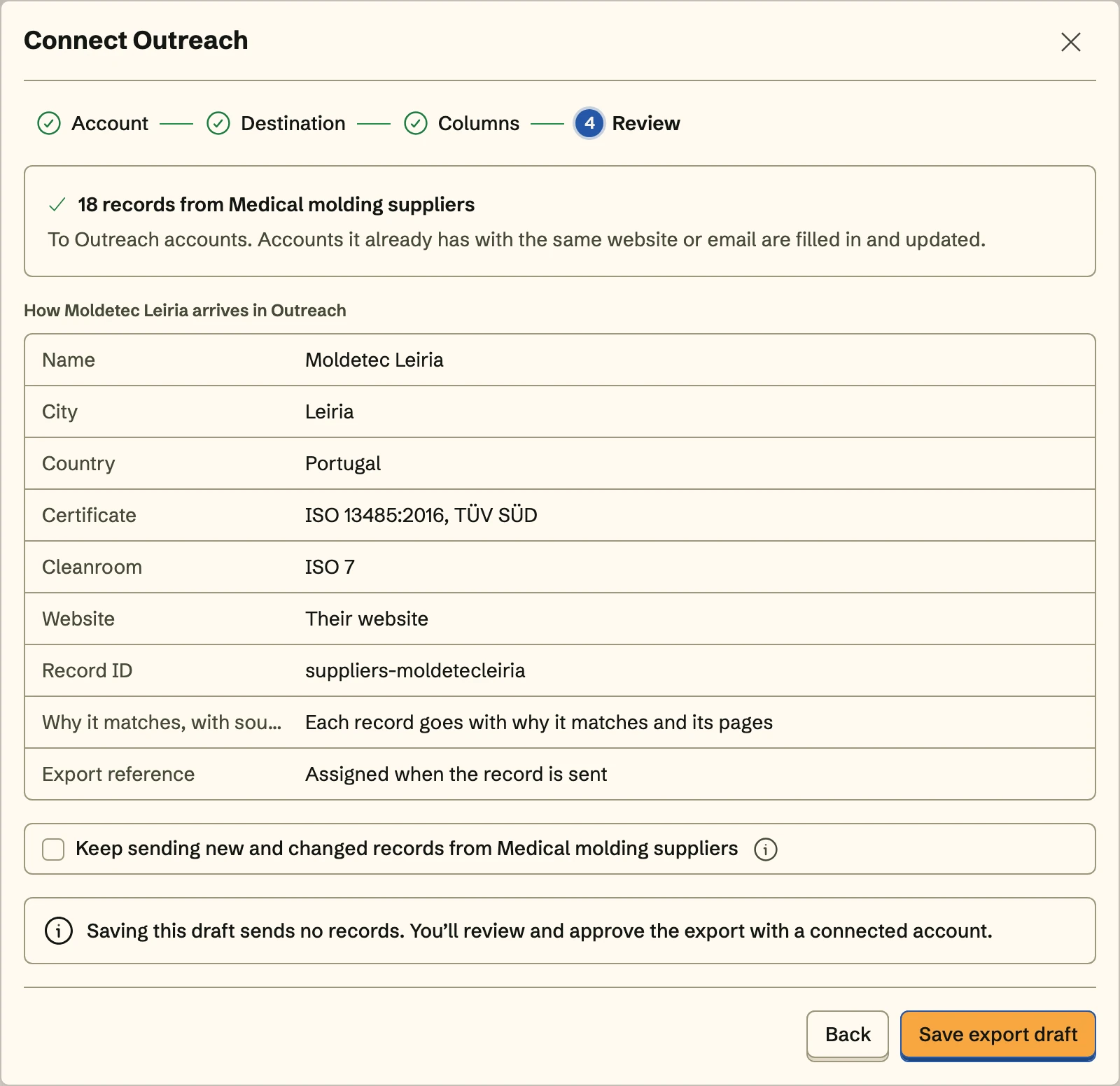
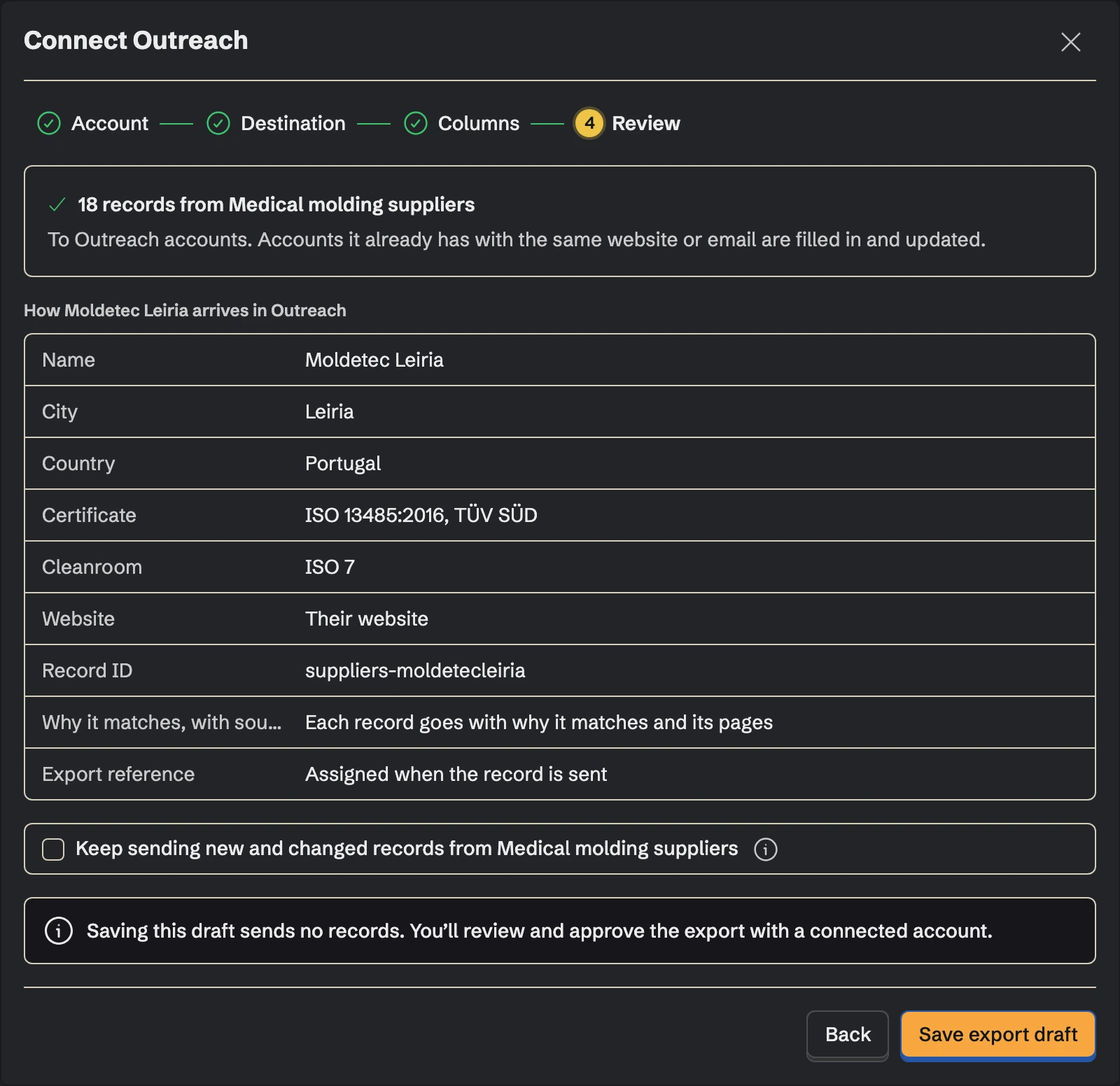
Review shows exactly how the first record arrives in Outreach. Send the records, and turn on Keep sending to send the collection's new and changed records with the same tag and mapping, including what a monitor finds on its schedule.
Once Outreach is connected, send from any collection too: select results, open Export and choose Outreach under Send to.
Matching
Before it creates anything, SpecStream looks for the record in Outreach: an account by its domain, with and without www, and its website, a prospect by its email. A match is updated or left alone, as you chose, and only the values that differ are written: tags you added stay, and a new work phone is added beside the ones the prospect has. If two accounts in Outreach share the domain, nothing is written for it. If a write times out, SpecStream checks what arrived instead of writing it again.
SpecStream never adds anyone to a sequence, sends an email or reads a mailbox.
Cost
Sending results to Outreach costs nothing. Requests are paid from your SpecStream balance, per result that matches, and each one shows the most it can cost before it starts. See balance, quotes and billing.
Disconnect
Disconnect from Connections in SpecStream, which deletes the stored access. An Outreach admin can also remove SpecStream from the apps in your Outreach settings. Accounts, prospects and tags already in Outreach stay there. The other tools SpecStream connects to are in Connect your tools; for help, email [email protected].