Canva
Bring live web data into a Canva chart or table: companies, local businesses, job posts, filings. Pick a list, choose the columns, and each value can come with the page it was read from.
What you need
- A Canva design.
- For your own lists, a SpecStream account. Starting is free. Public lists need no account.
- 1
1. Open the app
In a design, open Charts and choose Import data, or open Apps and search for SpecStream.
- 2
2. Pick a list
Public lists are lists SpecStream publishes from the live web, open to anyone. Your lists asks you to click Connect SpecStream once and sign in, then shows every list in your account. Search by name, or paste a shared list link.
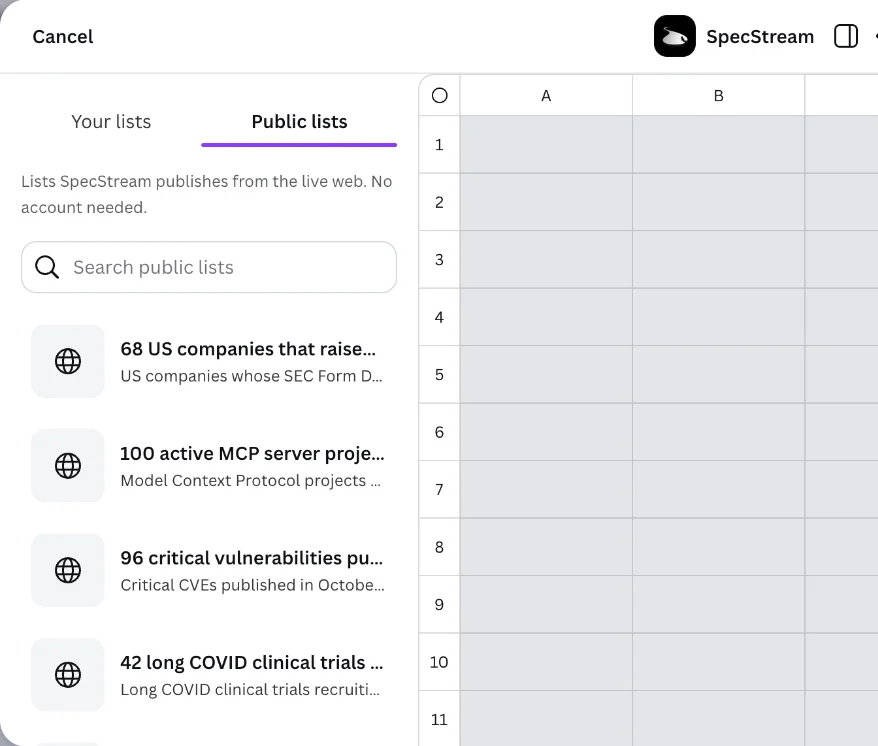
- 3
3. Choose the columns
Tick the columns you want and click Import data. The rows land in Canva's data table, ready for a chart or a table in your design.
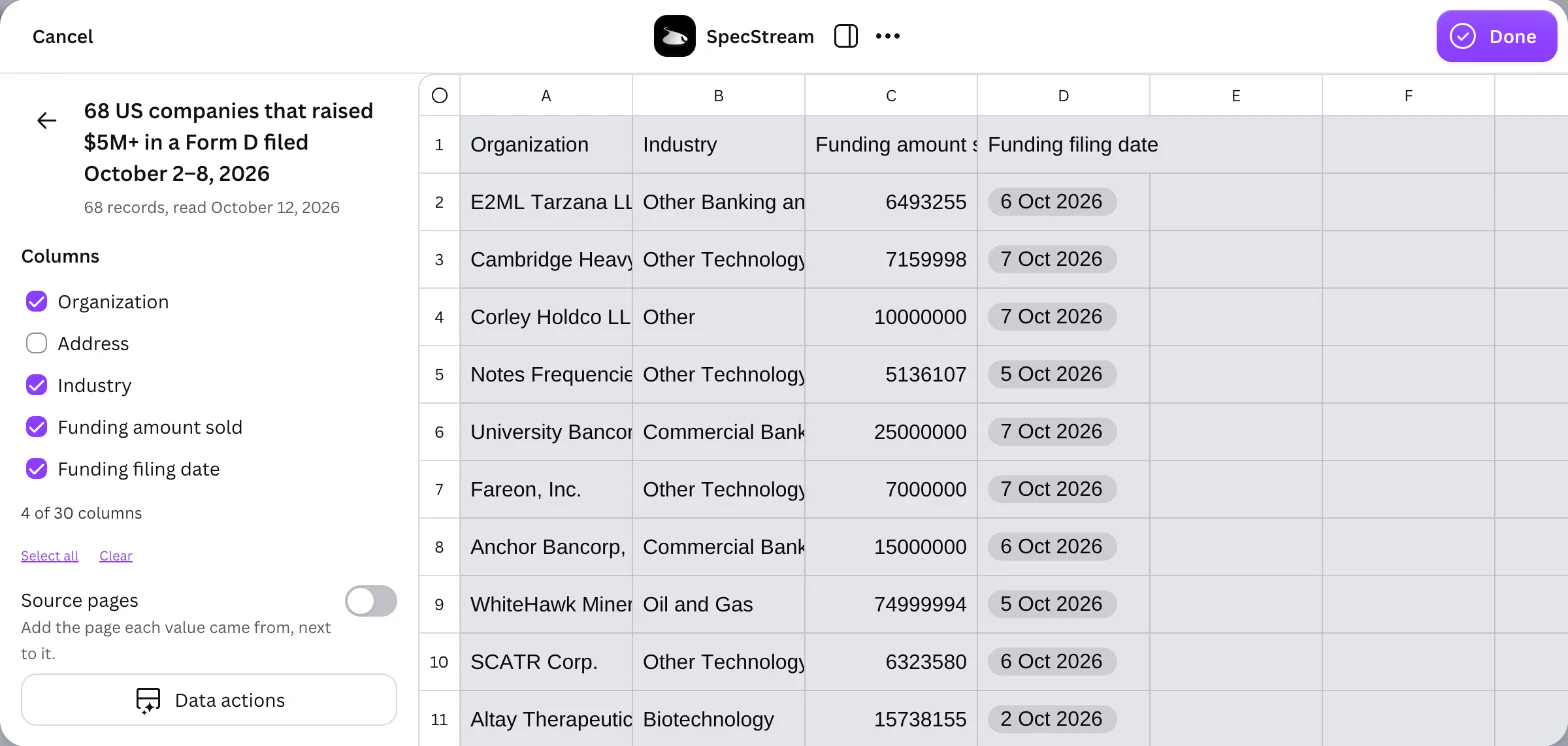
Turn on Source pages to add, next to each value, the page it came from.
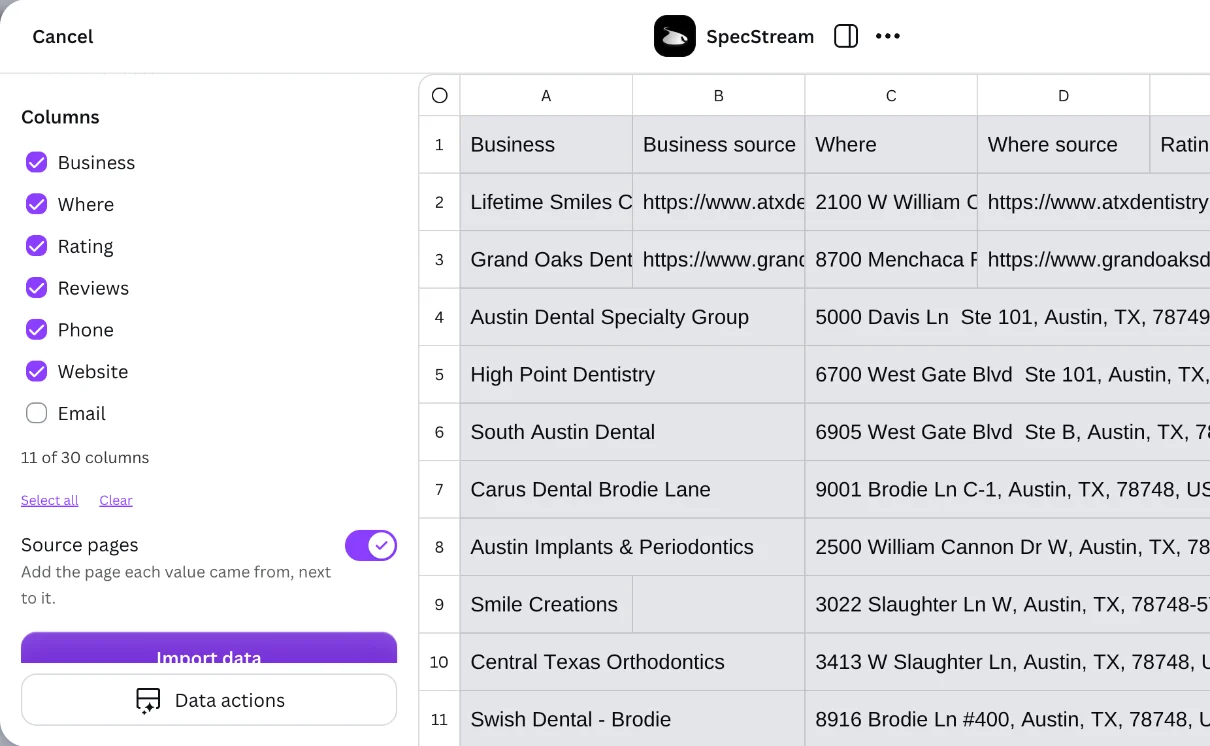 Canva limits how many rows and columns one import holds. When a list is bigger, the app says what comes in.
Refresh
Refreshing the data in Canva brings in the newest version of the list. Keep a list current in SpecStream with a schedule, and the chart follows it.
The app reads your lists and nothing else. It can't start a request, spend from your balance or change anything in your account, and it doesn't read your designs.
Cost
The app and public lists are free. Your own lists are paid for in SpecStream when they're made, only for the results that match. See balance, quotes and billing.
Disconnect
In the app, click Disconnect under your email. You can also revoke Canva in SpecStream under Agents & API, then OAuth applications. Data already imported stays in your design. The other tools SpecStream connects to are in Connect your tools; for help, email [email protected].